The world's first complete digital ecosystem for brand standards and SOPs

GDI digitizes your brand standards and SOPs into one platform that corporate, regional and hotel teams and process owners all work from. Text, pictures and video on every standard, and a mobile app for the floor.

Illustrative interface. Hotels, names and data on these screens are fictional.

Three modules, one platform

Each module covers one kind of hotel knowledge. All three share one library, one search, and one way to update and notify.

Digital brand standards

Every standard with its detail, steps, photos and videos.

  • Tag by department and sub-department
  • Link to the master SOP
  • Planning and execution steps
  • Tags for analytics
  • Edit, update, delete or notify in one click
  • 100% customisable fields

Digital SOPs

Procedures that are searchable and linked to the standards they support.

  • Upload PDF, Word or Excel
  • Quick search
  • Link SOPs to brand standards
  • Updates and notifications with a click

Room setup and inventory placement

A visual library of exactly how each room category is set up.

  • Photos for each room category
  • Inventory placement images for setups
  • Quick search for training
  • Easy editing and notifying

See each module at work

Choose a module to open its screen. Switch a standard between text, pictures and video, or pick a room category to see where each item goes.

  • Detailed information on each standard
  • Tag by department and sub-department
  • Link to the master SOP
  • Planning and execution steps
  • Photos and videos
  • Tags for analytics
  • Edit, update, delete or notify in one click
  • 100% customisable fields
standards.harbour-collection.example / FB-BEV-014

Food and beverage / Beverage stations

Beverage station setup

FB-BEV-014v3.3 currentFood and beverageBeverage stationsBrand critical
How Preparation
Materials
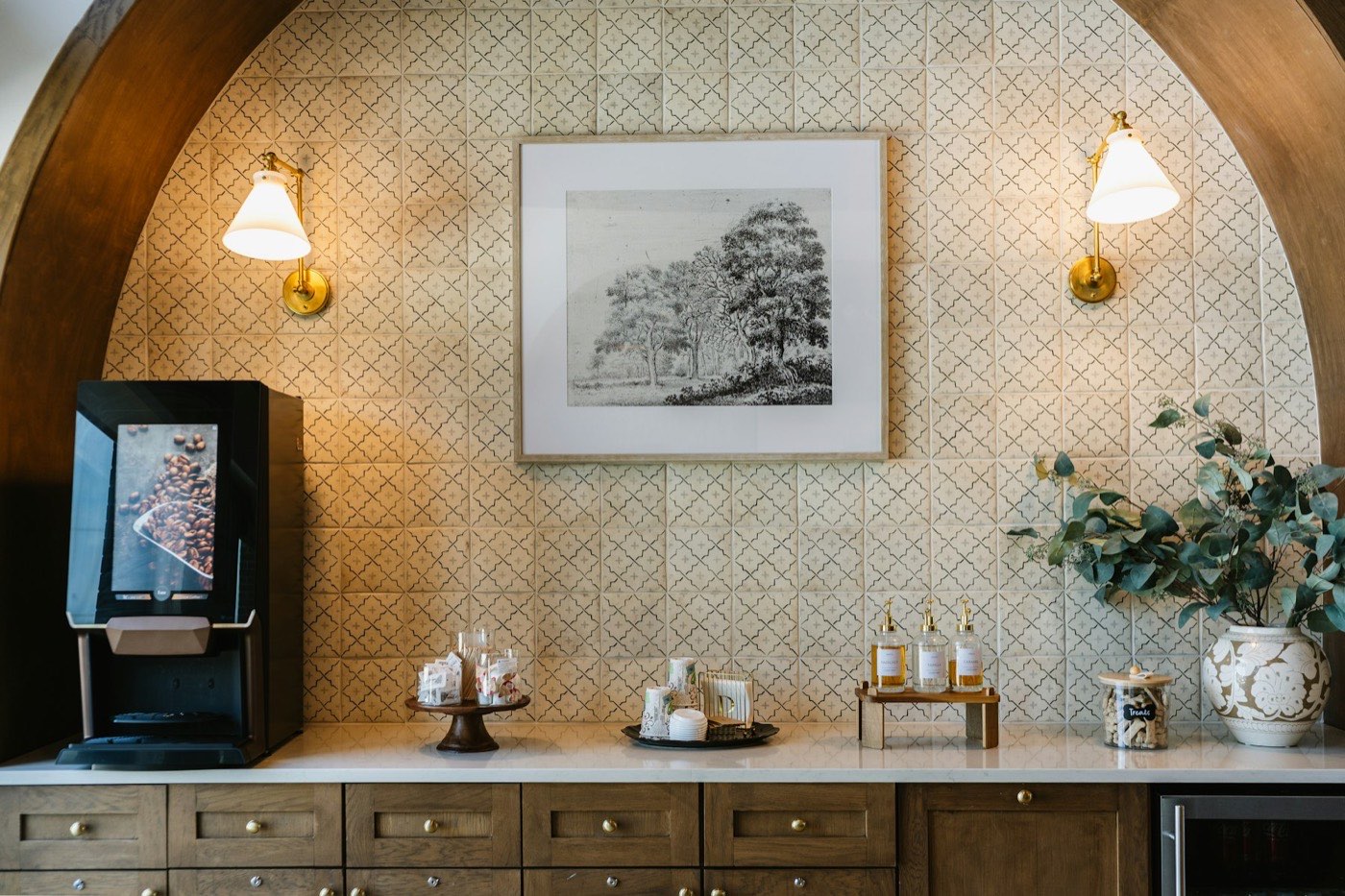
Bean-to-cup machine, cups and lids, stirrers and sweets, three syrups
Timing
Ready 30 minutes before service opens
Owner
Lobby host
Syrups
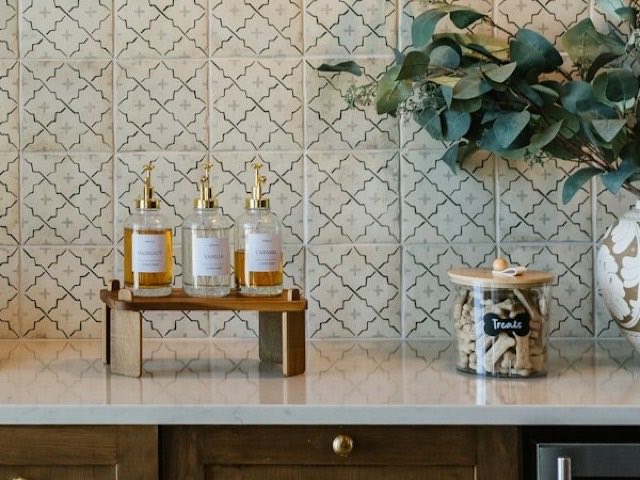
Hazelnut, vanilla, caramel, labels facing out
Where Execution
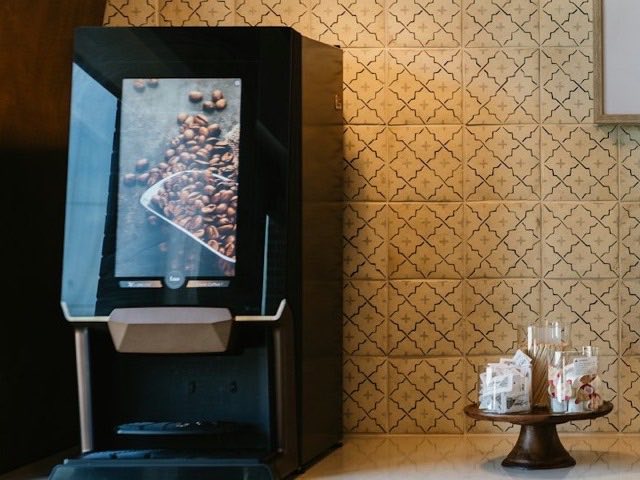
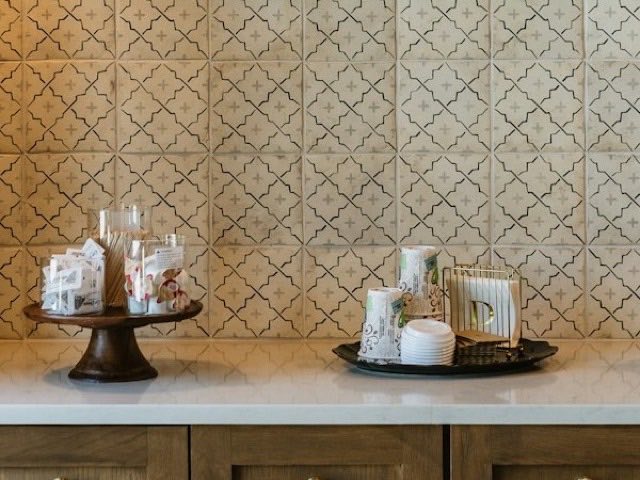
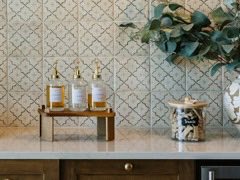
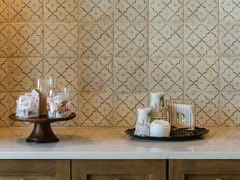
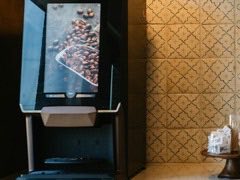
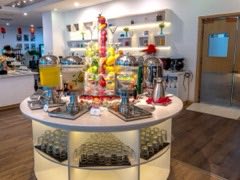
Beverage station photo with numbered markers on the bean-to-cup machine, sweets stand, cups and lids tray and syrup bottles 1234
  1. 1Machine
  2. 2Sweets stand
  3. 3Cups and lids
  4. 4Syrups

Linked SOP: SOP FB-07 Beverage station service

Approval

Approved by regional operations

Rollout

Whole brand, 14 hotels

Analytics tag

beverage-station

Custom field

Seasonal: all year

Last edited

12 Nov, 16:42

Room setup has its own page: room setup and inventory placement. Picture-step and video SOPs are covered on pictorial and video SOPs.

How the modules link

A standard says what good looks like. The SOP says how to deliver it. The room setup shows where everything goes. The platform keeps them connected.

Digital brand standards

Detail, planning and execution steps, photos and video for each standard.

Beverage station with a bean-to-cup machineBeverage station setupFB-BEV-014

Digital SOPs

Uploaded as PDF, Word or Excel, linked to the standards they support.

Beverage station serviceSOP FB-07

Room setup and inventory placement

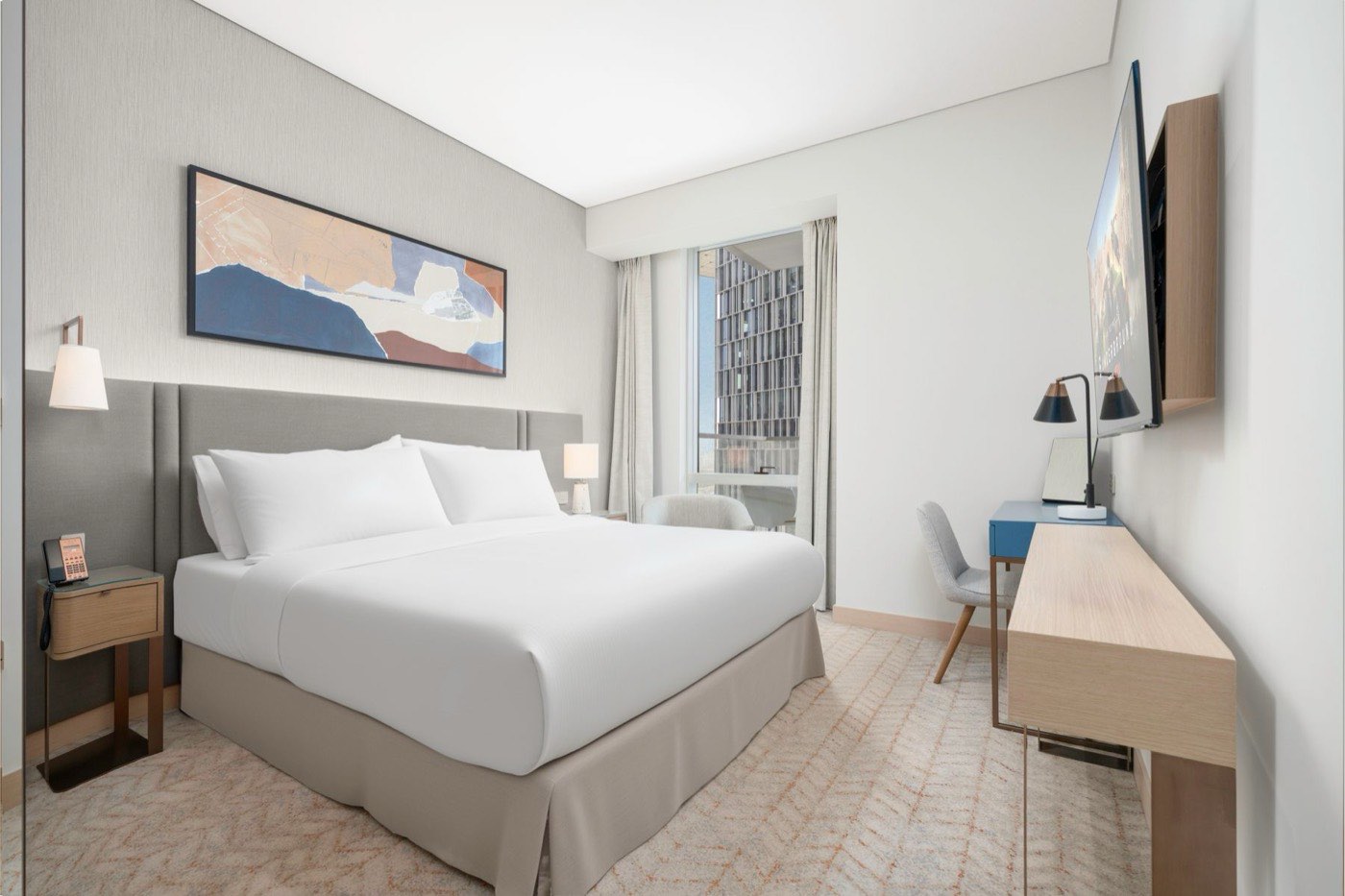
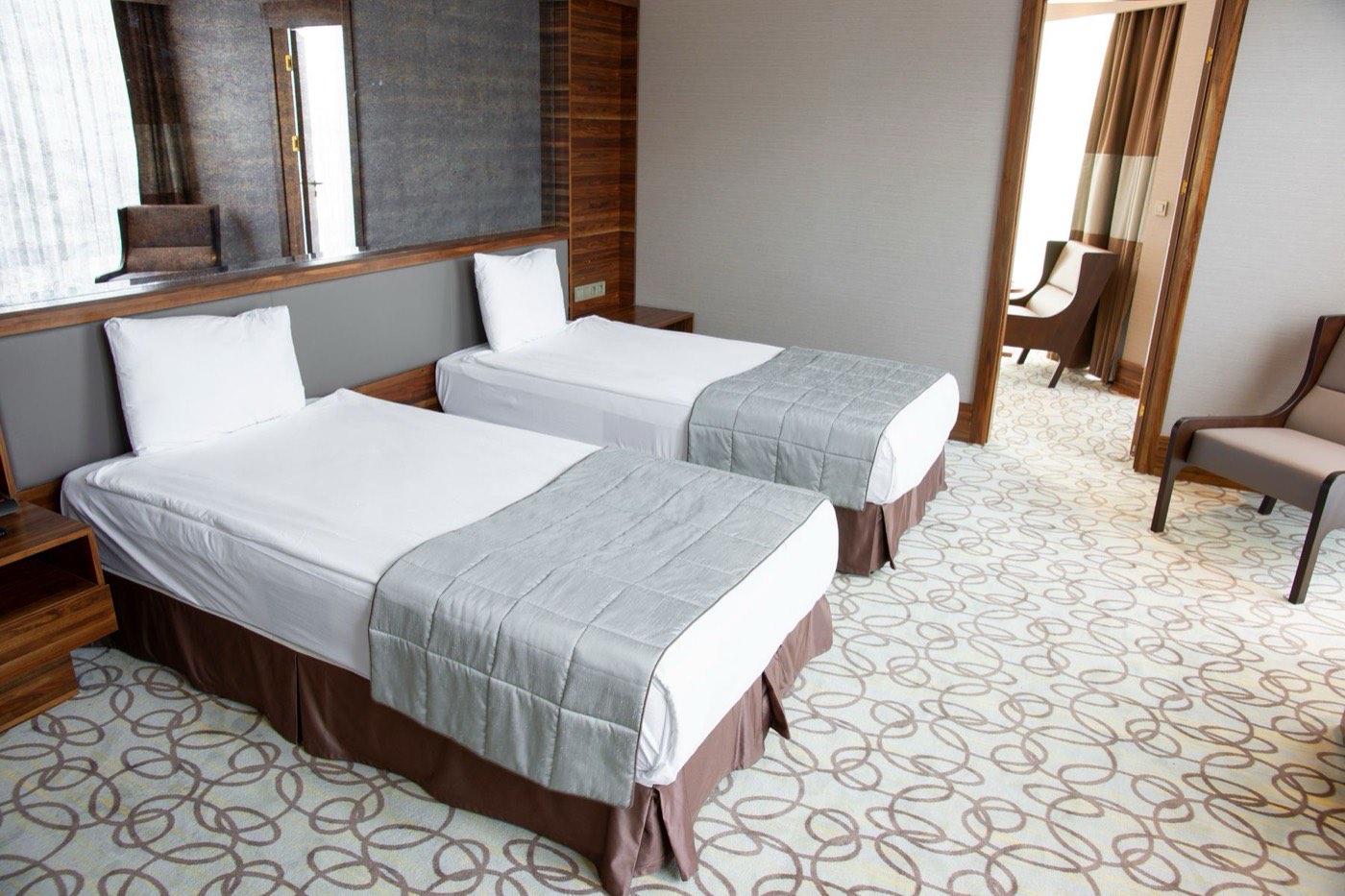
A photo for each room category, with inventory placement images.

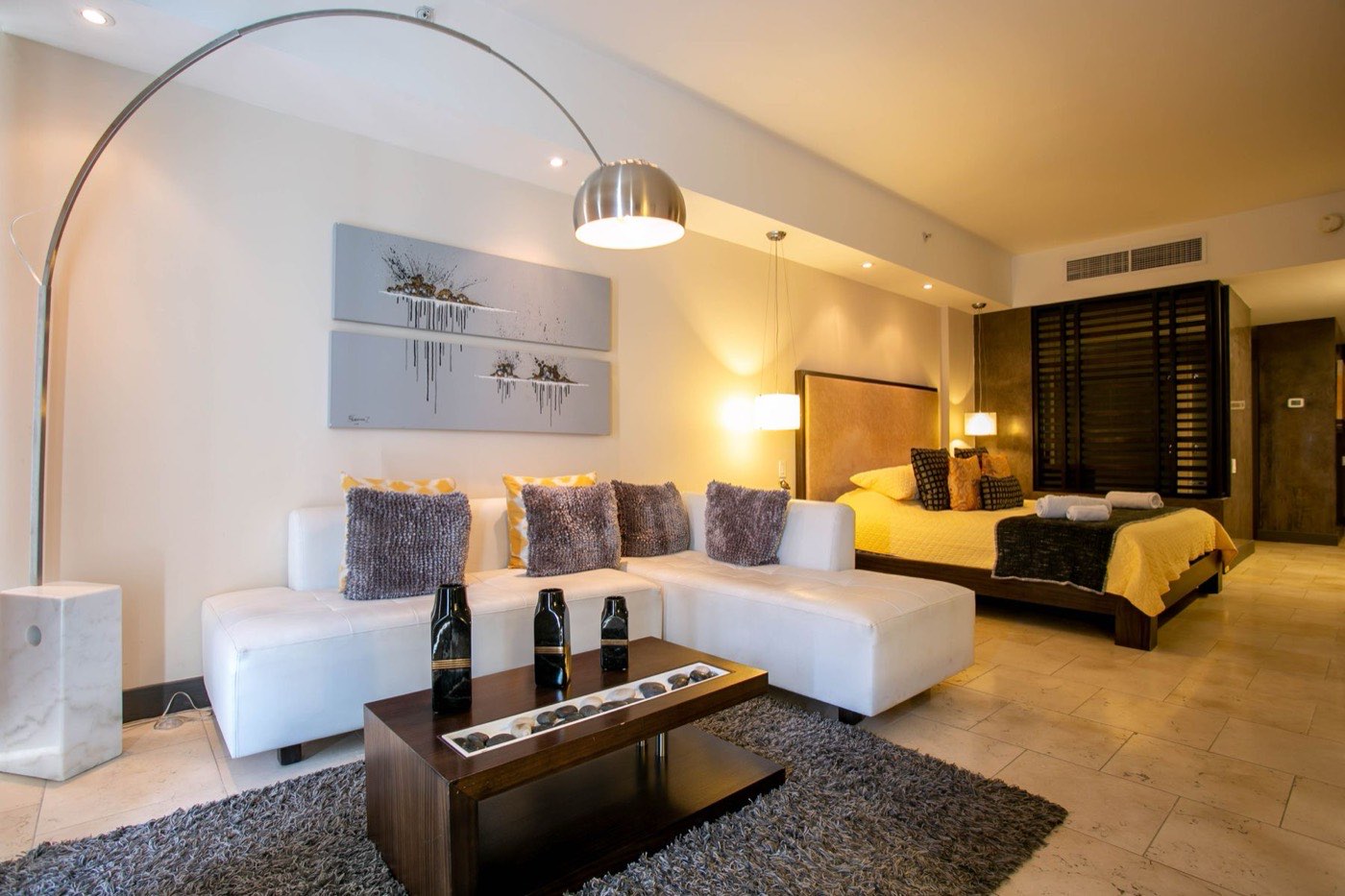
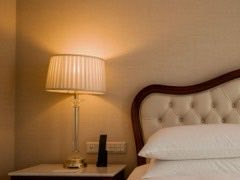
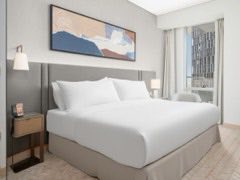
Guest room with a king bedDeluxe kingPlacement photo
  • Linked, not duplicatedA standard links to its master SOP, and an SOP shows the standards it supports.
  • One searchFind anything by hotel, department, keyword or date range.
  • One updateEdit, update or notify in one click, and the right people get an email.
  • One historyThe history log records who changed what and when, with version control and revert.

Who works in it

One platform for every level of the organization. Role-based access decides who can view, edit or approve. See how roles work

  • Corporate teams

    Whole brand

    Write and maintain the brand standards, and publish updates to every property.

  • Regional teams

    Their region

    Review and approve changes, and keep the hotels in the region aligned.

  • Hotel teams

    Their property

    Find the current standard, follow it in text, pictures or video, and send feedback.

  • Process owners

    Their department

    Keep the standards and SOPs for their department accurate and up to date.

What hotels use it for

The same current standards serve training, inspection and review, so nobody checks against an old copy.

  • Onboarding and training

    Fast-track new associates with text, pictures and video on every standard.

  • Self-inspections

    Make internal compliance simple by checking against the standard itself.

  • Mystery audits

    Audit against the standards in real time.

  • Ongoing team learning

    Anytime, anywhere, on mobile.

  • Brand compliance reviews

    Review every property against the same, current source.

Roll out to one property, a region or the whole brand

You choose the scope. Deploy to several properties, or the whole brand, in one go.

One property

Manage the standards and SOPs of a single hotel.

A region

Manage a group of hotels together, with regional teams approving changes.

The whole brand

Push one update to every property at once, and keep them all on the same version.

Hotel names are fictional examples. See flexible implementation for how scope works on screen.

On the floor, on a phone

The mobile app puts the current standard, with its photos and video, in the hands of the team doing the work. Updates arrive as they are published.

  • Search the library from the phone
  • Follow a standard in text, pictures or video
  • Send feedback to the approver
  • Learn anytime, anywhere

See your standards in one system

Tell us how your standards and SOPs are kept today. We will show you how they could run in the platform.